Free online tool · Deutsche Version
Add Photo Borders
Online — Free.
White border, black frame or any custom color — in seconds, right in your browser. Your images never leave your computer: no uploads, no server, full original resolution.
Drag your photos here
JPG, PNG or WebP · up to 5 images · nothing is uploaded
0 images framed today 0 in total
Your images
0 / 5Border color
Output format (aspect ratio)
Live preview
Export as
More than 5 photos? For whole series there are two desktop apps — Mac BorderTool Pro (€39) or Border Tool Windows (€25).
For photographers with real photo series
50 wedding photos to frame? Not in 10 rounds.
This tool is built for a quick handful of images. For entire shoots, there are two desktop apps from me — with a different feature set depending on your OS.
Why add a border to your photo?
A fine border around a photo is more than decoration — it gives the image room to breathe. Galleries have always hung photographs with a mat (passe-partout), and a digital border brings exactly that effect to the screen: the eye gets a calm boundary, the subject looks tidier, more valuable, more deliberately presented.
The white border is a signature style on Instagram: it makes your feed stand out and lets landscape shots appear in 1:1 or 4:5 without cropping. A consistent border turns single posts into a curated gallery.
A black frame around black-and-white shots or an off-white border around color images instantly creates fine-art character — like a mat in a picture frame, but digital, for the web, your portfolio or an application.
Borderless printing often cuts off part of your subject (bleed). A pre-applied white border protects your composition and acts like a built-in mat on the finished print.
A border separates your image from its busy surroundings — timeline, website, slides. Bright images especially “bleed” into white backgrounds; a fine border defines the edge and strengthens the composition.
How it works — 3 steps
Drag up to 5 images (JPG, PNG, WebP) into the tool or select them with a click. The images stay on your computer.
Width via slider or in pixels, any color you like, plus aspect-ratio presets such as 1:1 or 4:5 for Instagram. The preview updates instantly.
Export as JPG or PNG at the full original resolution — one image at a time or all of them in sequence.
Your images never leave your computer
Most online border tools upload your photos to a server, process them there and send them back. That costs time, limits file size — and for a moment your images sit on someone else's machine.
This tool works differently: everything happens locally in your browser, using the Canvas technology built into every modern browser. There is no upload, no server, no queue. In practice that means:
- Privacy: Not a single byte of your images is transferred — not even to us.
- Full resolution: No server limit, no forced downscaling. What goes in comes out at original size.
- Speed: No uploading of 40-megapixel files — the border is rendered in a fraction of a second.
- Works offline: Once loaded, the tool even keeps working without an internet connection.
Frequently asked questions
Do my photos lose quality when I add a border?
No. The tool exports at the full original resolution — your image is never downscaled or recalculated, only the border area is added around it. JPG files are saved at quality 90 (visually lossless), PNG files are completely lossless.
Which file formats are supported?
As input: JPG, PNG and WebP. You can export either as JPG (small files, ideal for Instagram and the web) or PNG (lossless, ideal for print files and graphics).
Why can I only process 5 images at a time?
The tool runs 100% locally in your browser — processing many high-resolution images at once would exhaust browser memory. For large series there are two desktop apps: Mac BorderTool Pro (€39) with unlimited batch processing, saved presets, signatures and ZIP export, or Border Tool Windows (€25) for fast batch framing on Windows.
Which border sizes work best for Instagram?
Instagram displays posts as squares (1:1) or portrait (4:5). Simply pick the matching aspect-ratio preset in the tool: your photo is centered on the target canvas and the rest is filled with the border color — so nothing gets cropped. A border of 3–6% of the short edge looks particularly elegant on Instagram.
Is the border tool really free?
Yes, completely free — no sign-up, no watermarks, no hidden costs. The tool is a free service by Fotokurs Stuttgart, a photography school in Stuttgart, Germany. Since everything runs locally in your browser, there are no server costs for us and your images stay private.
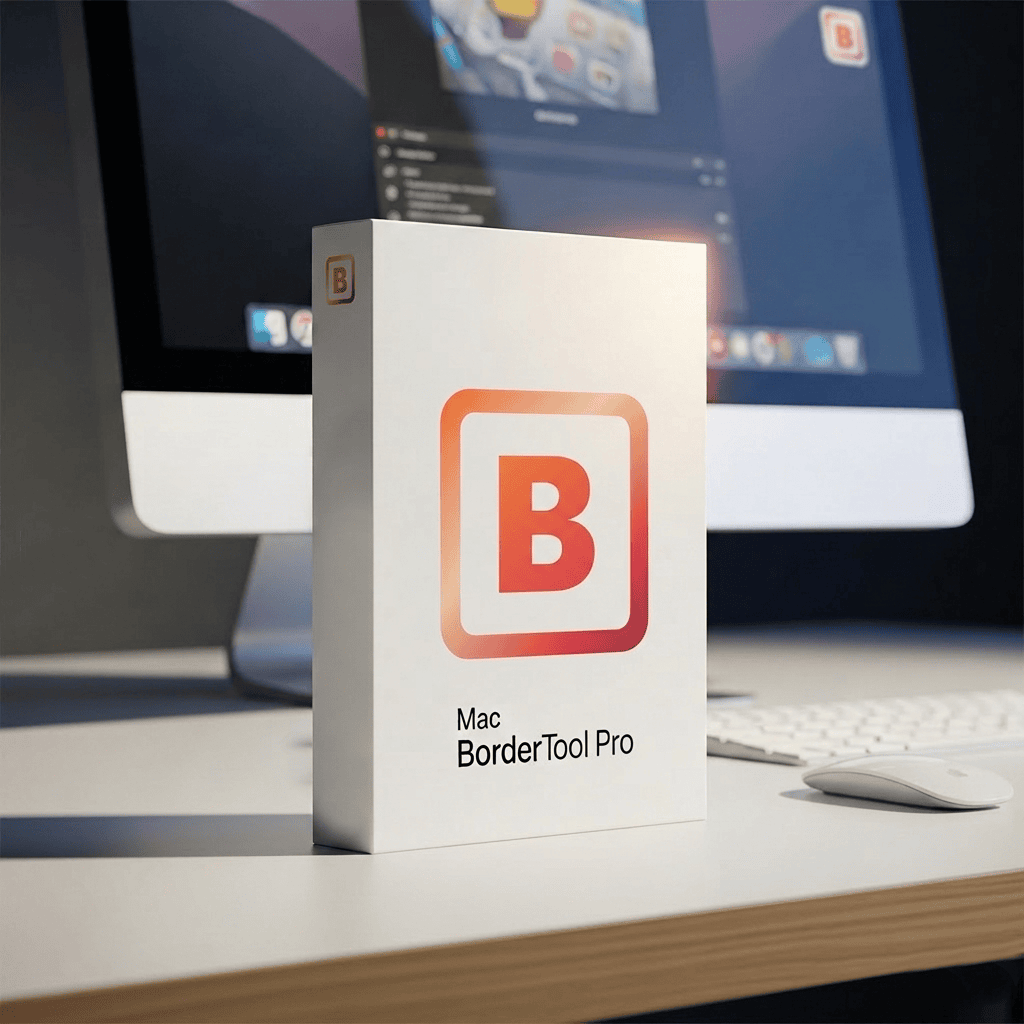
For large photo series
Two desktop apps, depending on your OS.
Mac BorderTool Pro (€39): unlimited batch processing, saved presets, signature, ZIP export. Border Tool Windows (€25): fast batch framing via drag & drop in Explorer.